



Mobile app
Immo Manager, in your pocket
Look for a home, list your own, or run your agency from the field. Video viewings, the property map and your conversations, on one screen.
Free. Sign in with your Immo Manager credentials, or as a visitor to browse the listings.
Scan to install
This code opens this page on your phone, which sends you to the right store.


Preview
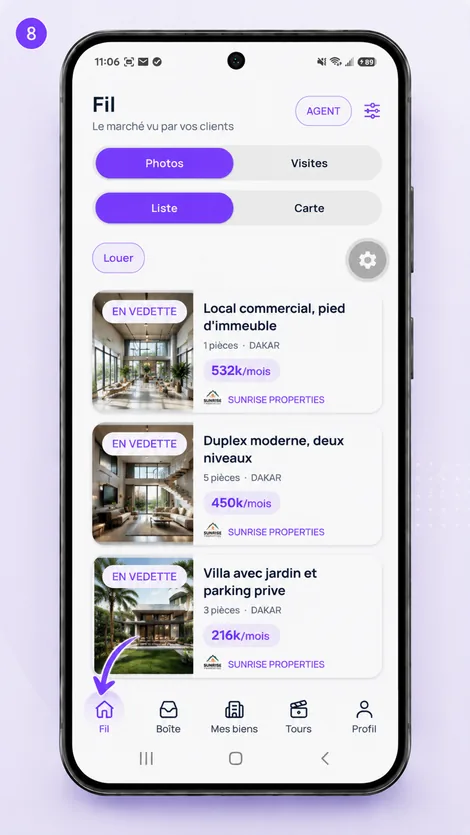
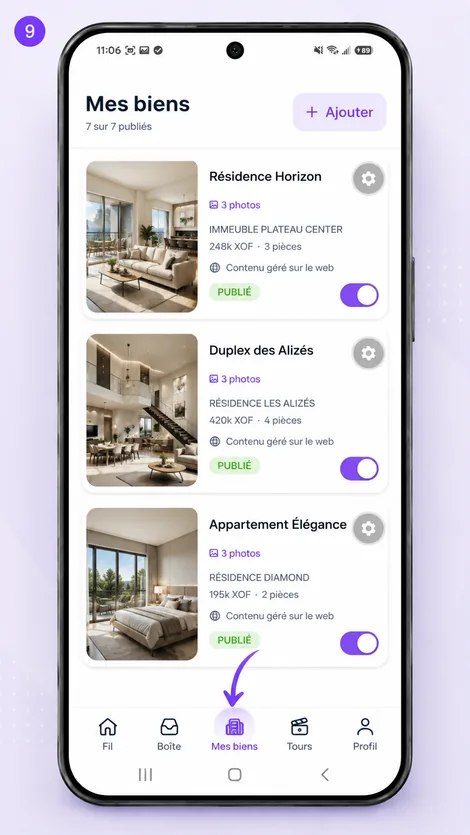
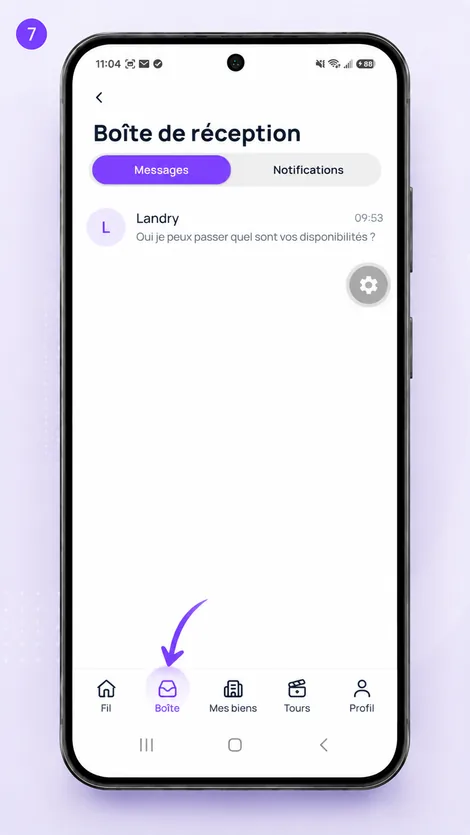
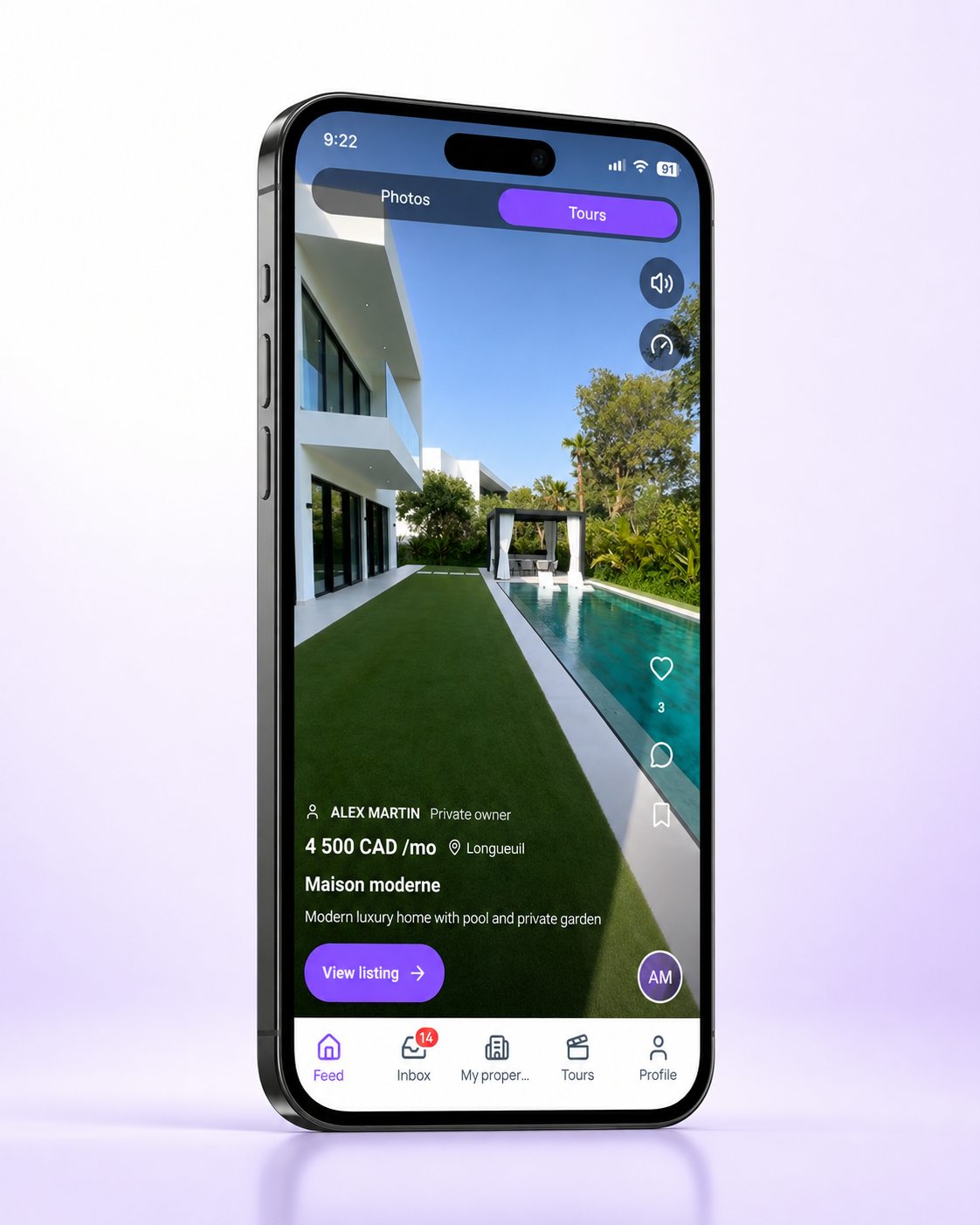
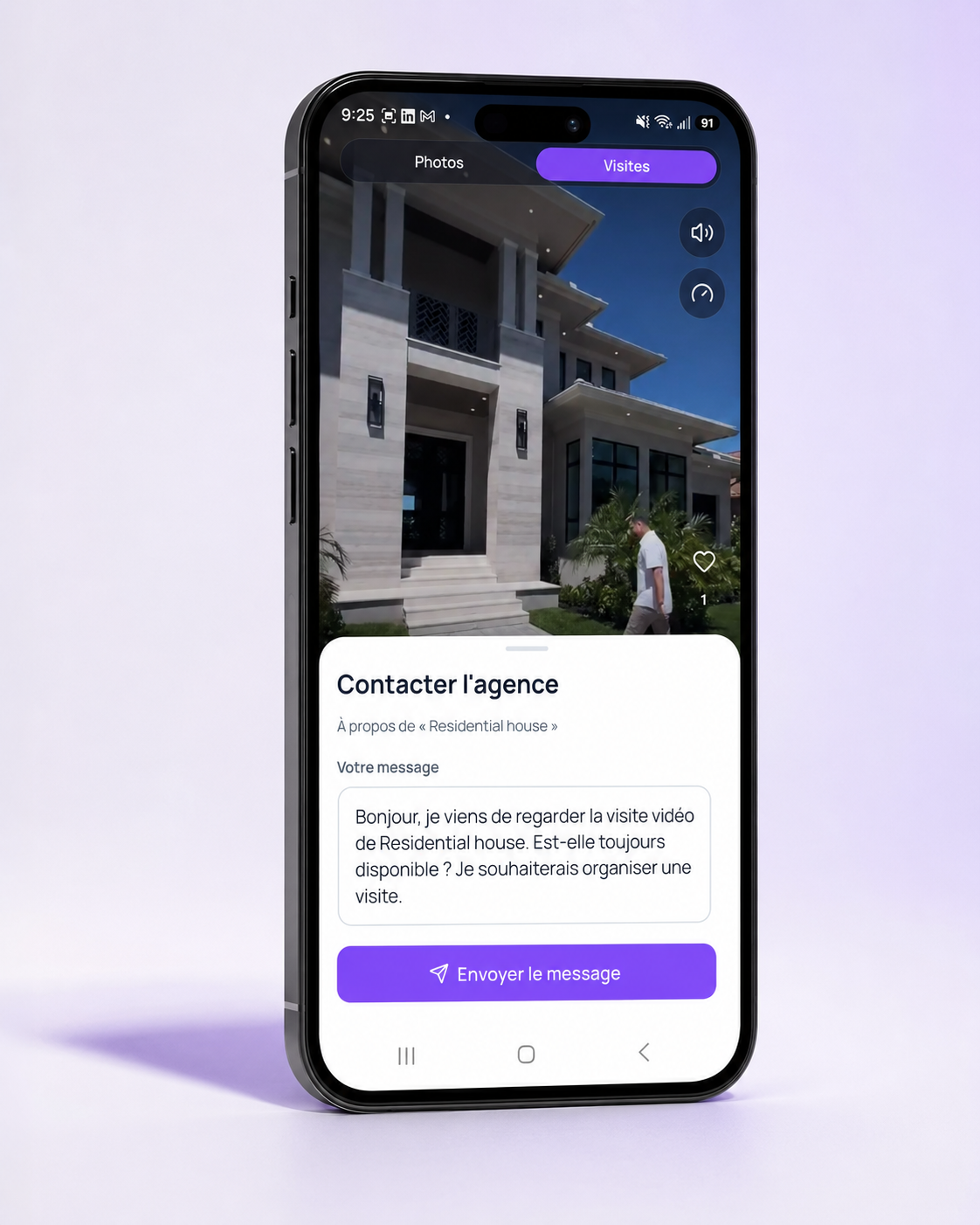
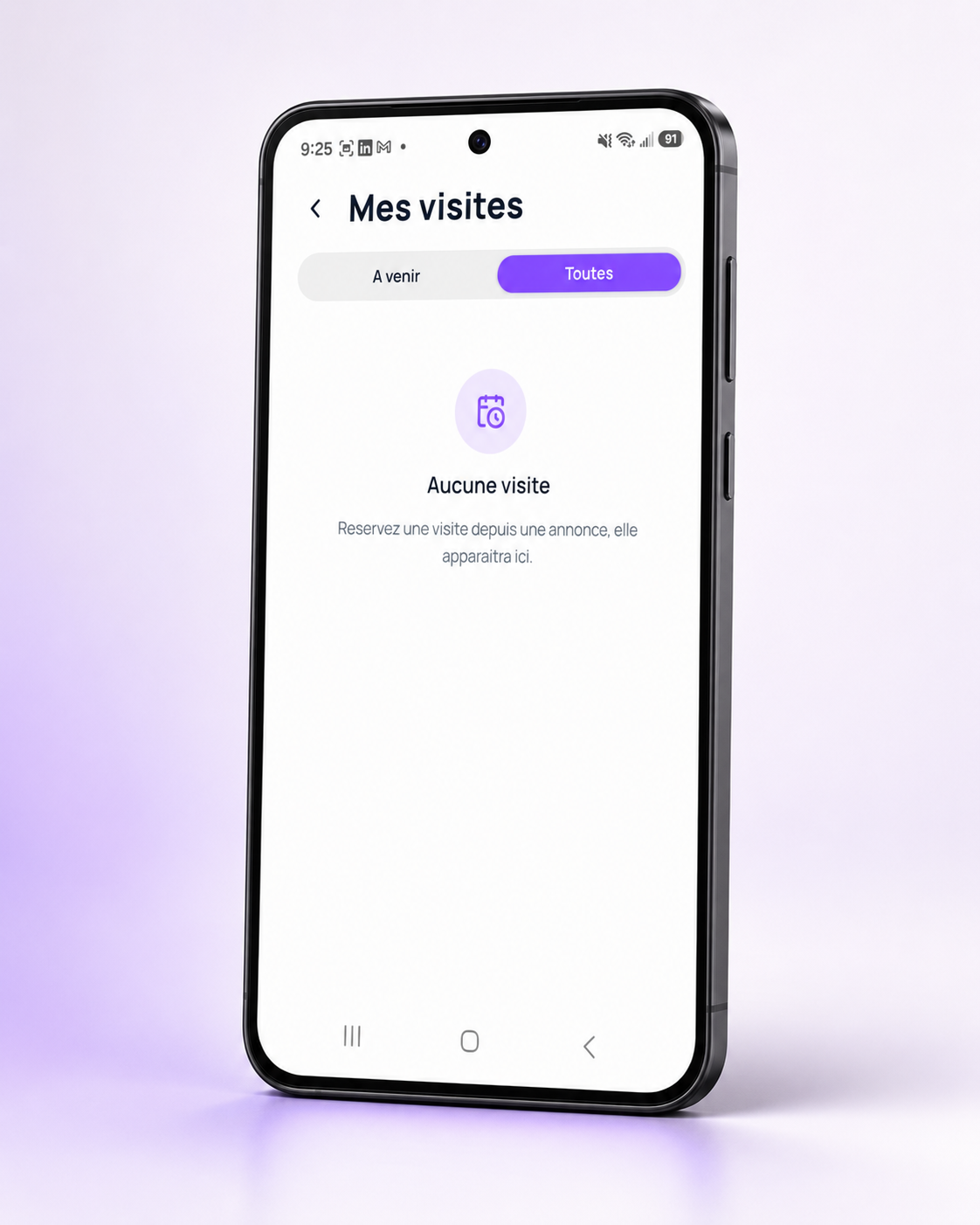
What the app looks like
Three of the screens you will use every day.

Screen by screen
Ten screens, from first launch to the conversation
Pick a screen to enlarge it. These are real captures from the published app.

Who it is for
Three uses, one app
The web stays the agency's control room. Out in the field, the phone takes over.
You are looking for a home
The market, in video
- Browse listings in photos or in video viewings filmed on site.
- Spot properties near you on the map, neighbourhood by neighbourhood.
- Write straight to the agency, with no application to fill in and nothing to pay.
- Keep your favourites across devices.
You are a landlord
List your property yourself
- Put your listing up from your phone, photos included.
- Receive messages from interested people inside the app.
- Take the listing down with one tap once the property is let.
You run an agency
The field, connected to the office
- Film the video viewing while you are standing in the property.
- List or unlist a property without going back to a computer.
- Answer your prospects between two appointments.
- Check a document is genuine by scanning its QR code.

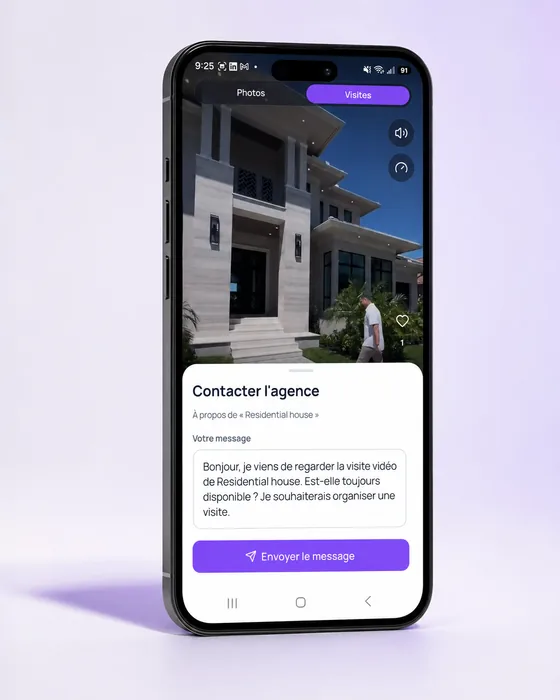
Photos on the web, video on the phone
What the phone does better than the computer
The video viewing
Filmed on site and published straight away: video can only be created from the phone.
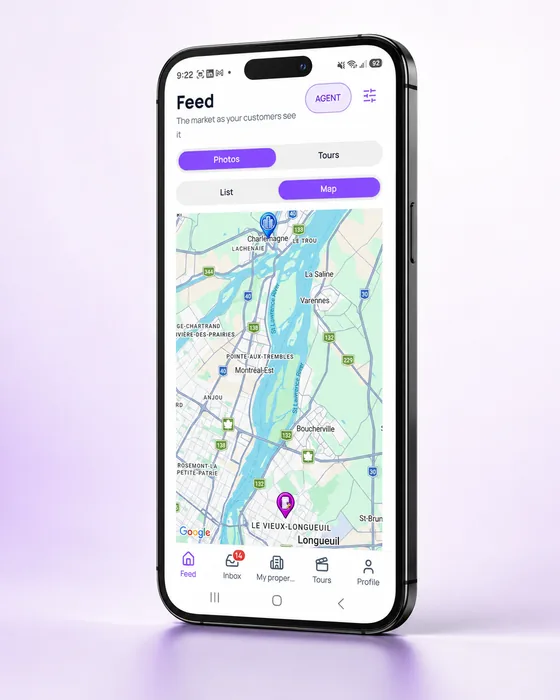
The property map
The homes available around you, neighbourhood by neighbourhood.
The conversation
Every exchange with a prospect creates a lead in the agency's CRM.
Document verification
Scan a receipt's QR code to confirm it really came from the agency.
Privacy
Your data belongs to you
The app does not collect your location. What you write to an agency goes only to that agency. You can delete your account and all your data from inside the app, under Profile, Delete my account.
Read the privacy policy